Free · no sign-up · runs in your browser
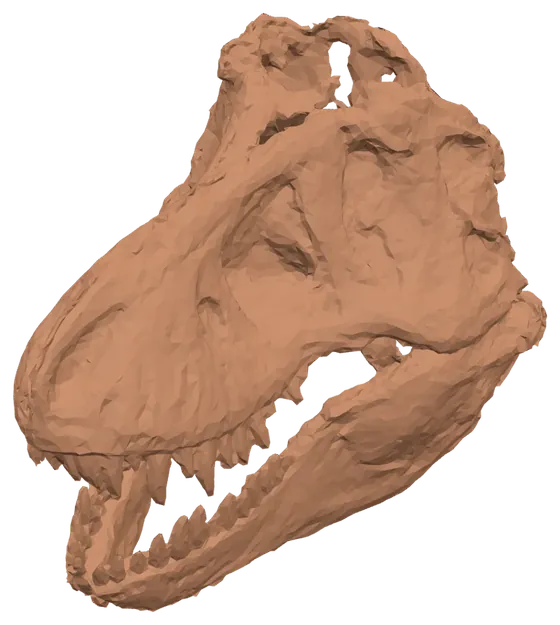
Turn any 3D model into something you can build.
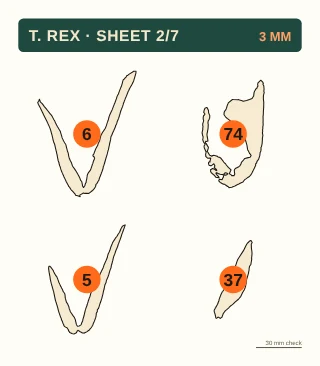
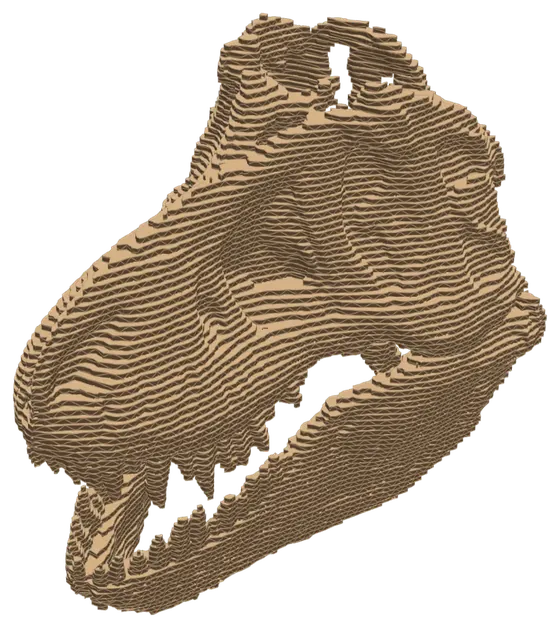
Print numbered parts on paper, or cut them from card or plywood, then follow a step-by-step build.Print or laser-cut numbered parts, then follow a step-by-step build.
STL or OBJ files · or drop one anywhere · nothing is uploaded
No 3D file? Browse free papercraft models or map a real place.
New · Relief maps
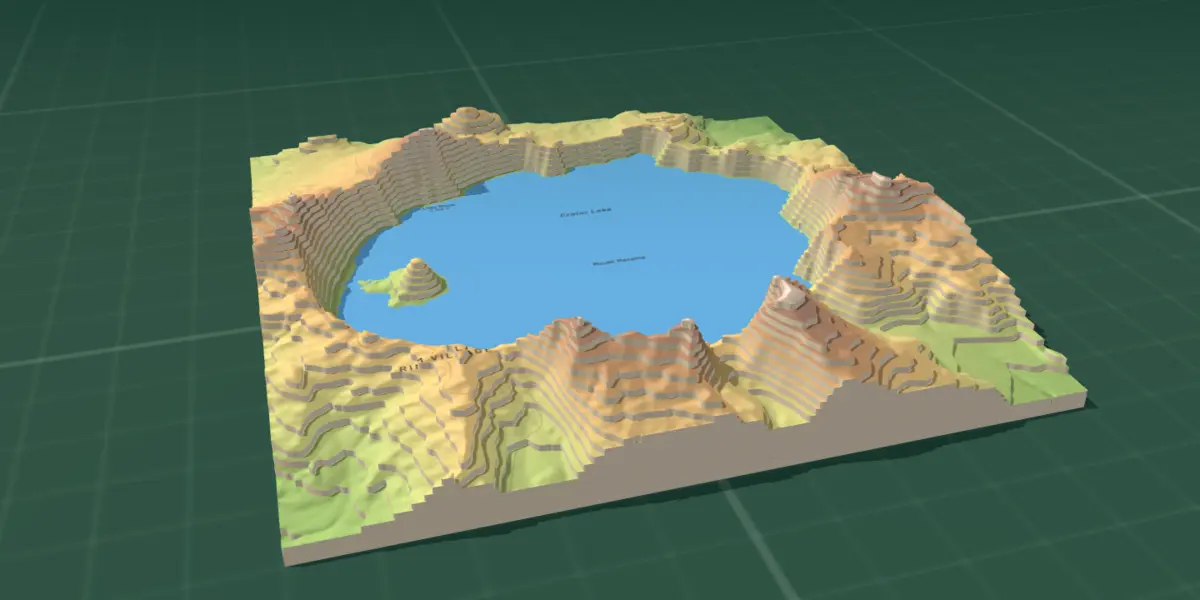
Any mountain, valley or coastline, layer by layer.
Pick any place on the map. FromFlat slices its hills and valleys into numbered layers you cut from card, foam board or plywood, then stack.
Or start with
Make your own · 4 steps
From a 3D file to a finished build.
- 1
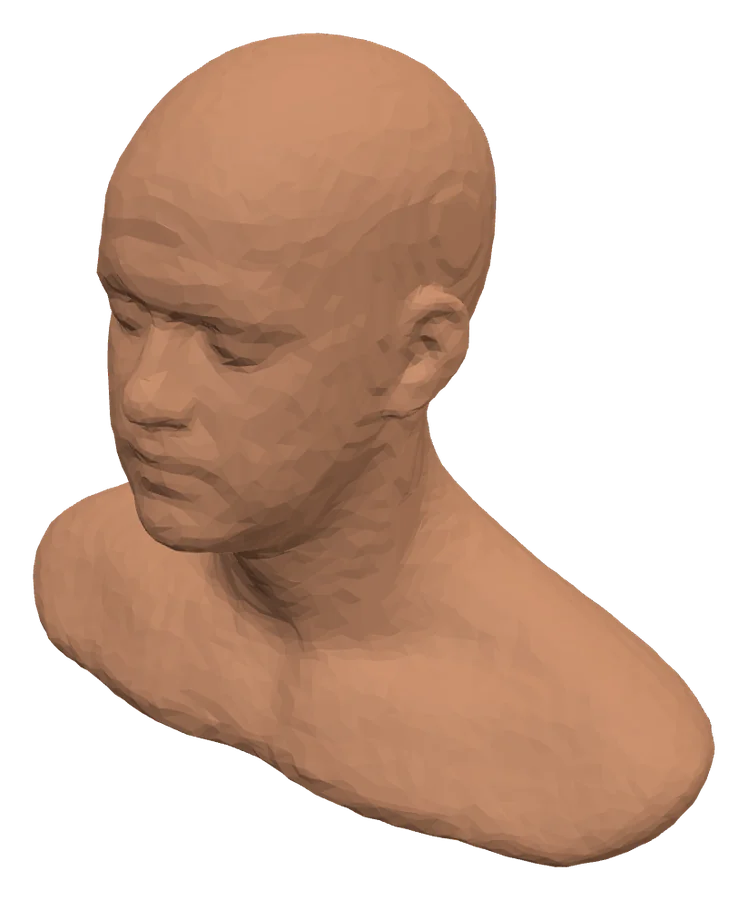 Open a 3D modelAn STL or OBJ file. No file? Pick one of ours or find more on Printables.
- 2Pick a styleGlue layers in a stack.
- 3
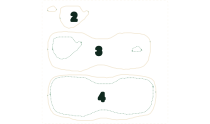 Print or cutNumbered templates to print (PDF) or laser-cut (SVG, DXF).
- 4
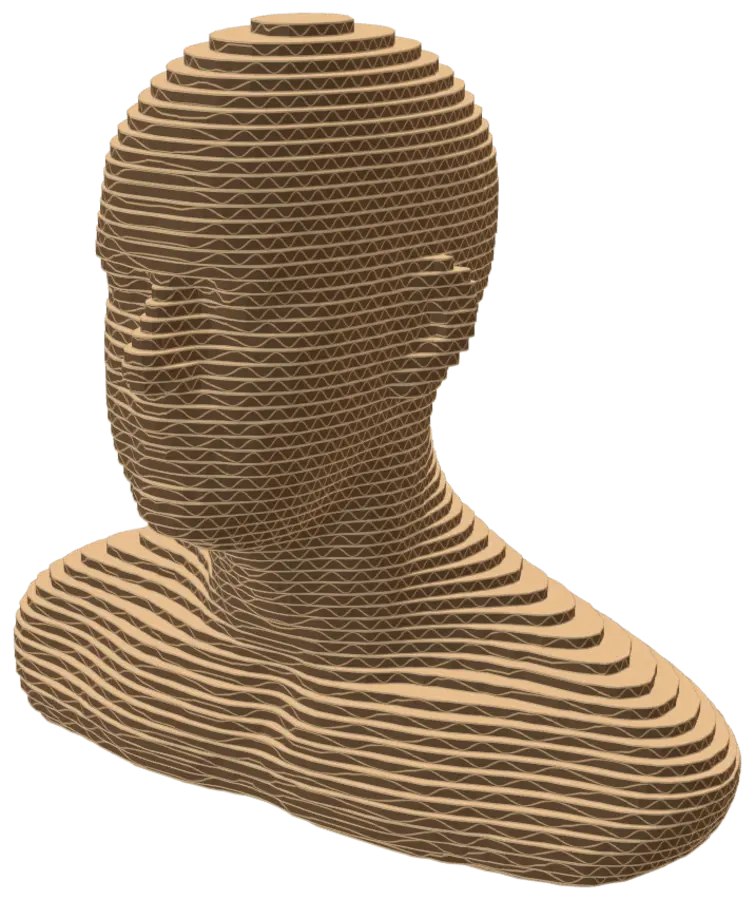 Build itGlue each layer onto the one below.
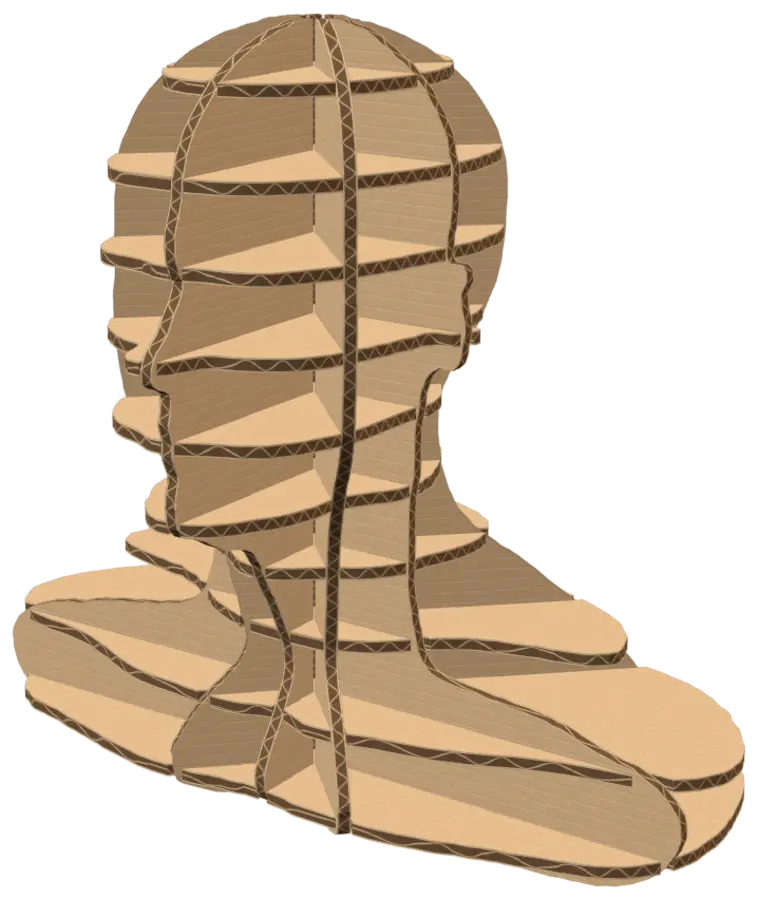
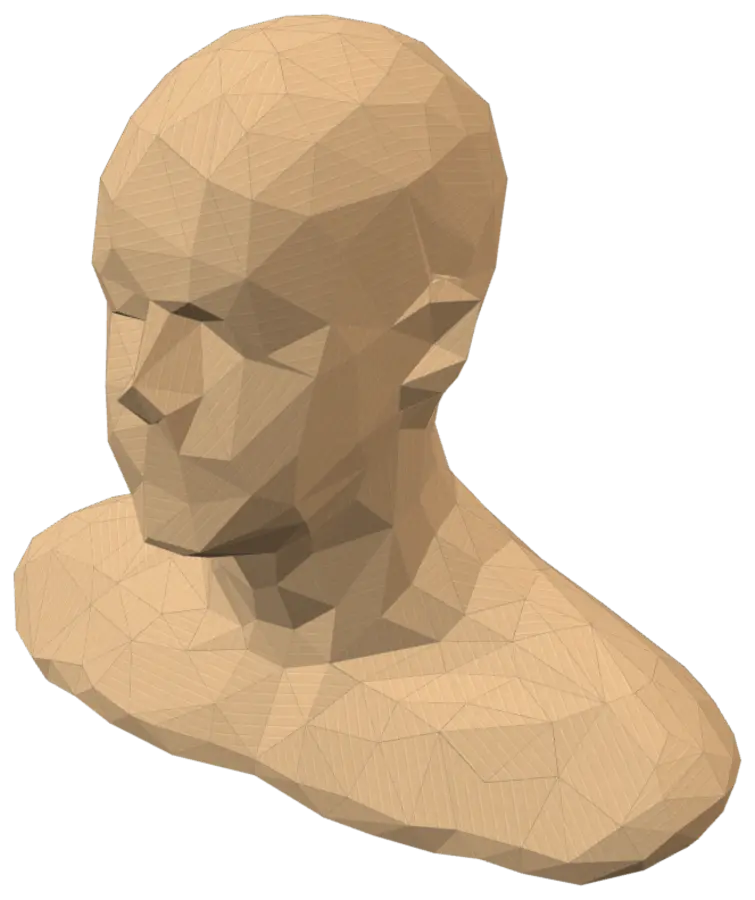
Free papercraft models